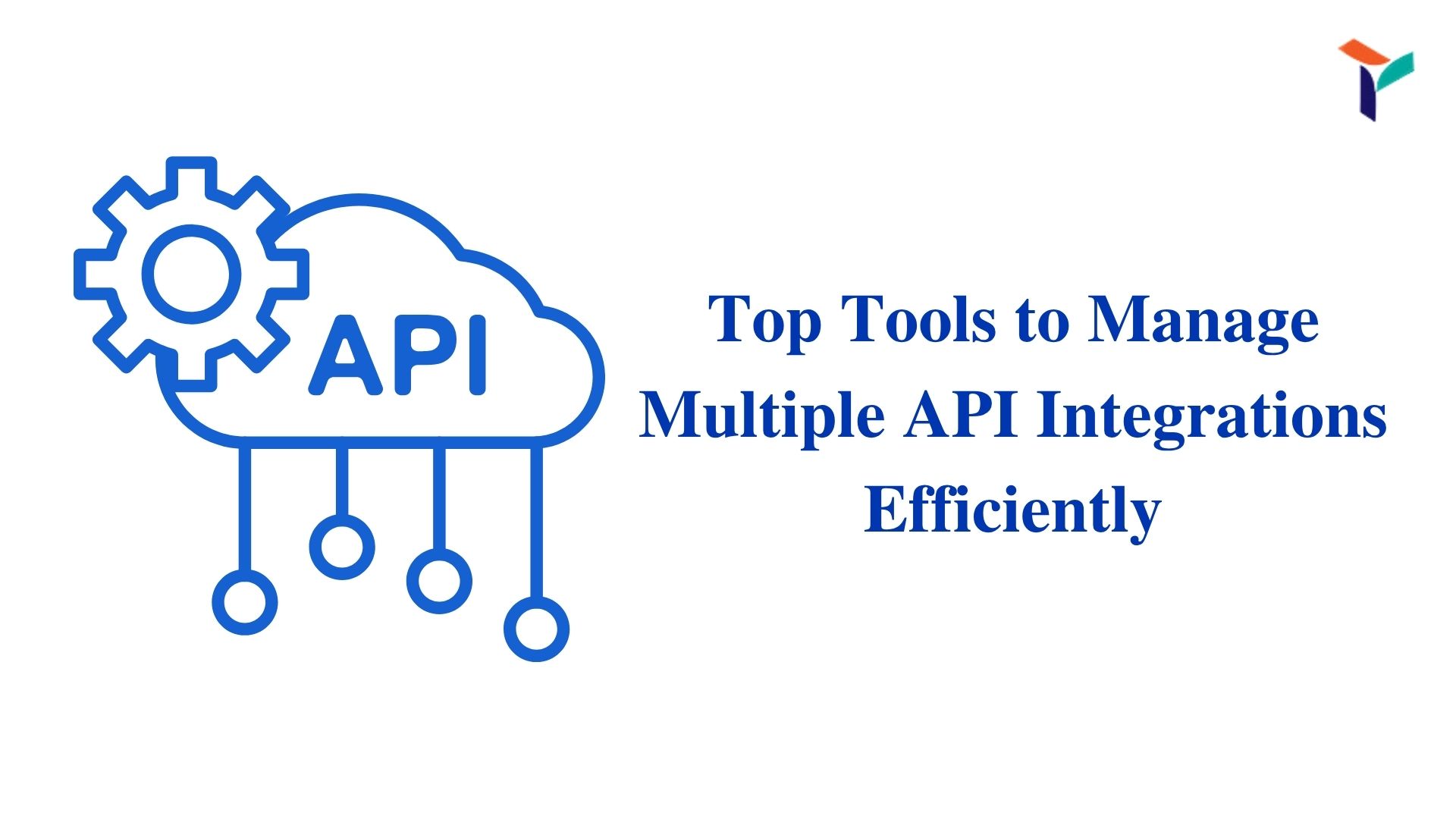
If your team connects to more than a couple of external APIs, it can quickly become hard to manage. One fails quietly, another changes authentication, and your product experiences a break without warning. But the solution is simple: use the right tools designed for handling multiple API integrations.
Instead of manually managing each integration, use tools that offer structured environments, monitoring, versioning, and error handling. Some of the most effective options include Postman, RapidAPI, Kong, Apigee, Swagger, MuleSoft, and Zapier. Each of these platforms helps reduce complexity, improve visibility, and create maintainable systems.
Whether you’re building a lightweight app or managing enterprise-level traffic, choosing the right tool reduces engineering effort and helps keep your integrations reliable and secure.
Best Tools to Manage Multiple API Integrations
You don’t need to reinvent your workflow. With these tools, managing integrations becomes less of a burden and more of a process you can rely on. Here’s how each platform helps in a specific way.
Postman: Testing, Debugging, and Collaboration
Postman isn’t just for testing endpoints. It’s a full-featured platform to manage collections, share test environments, mock responses, and validate API behavior.
Key Features of Postman:
- Workspace Collections: Organize APIs into folders with saved headers, variables, and authentication.
- Automated Testing: Add tests for field validation, authentication, and response consistency.
- Mock Servers: Provide fake responses so other teams can continue development.
- Environment Switching: Use different environments for dev, staging, and production.
RapidAPI: Unified API Marketplace and Monitoring
RapidAPI lets you view, subscribe to, and monitor multiple APIs from one central place. Ideal for projects that rely heavily on third-party APIs.
Key Features of RapidAPI:
- Unified Dashboard: Monitor usage and error rates across multiple APIs.
- Subscription Controls: Track limits, quotas, and billing plans.
- Analytics and Logs: See performance trends and error patterns.
- Marketplace Access: Find and connect to new APIs quickly.
Apigee: Enterprise-Level API Management
Apigee helps you manage your APIs at scale with tools for traffic control, security, and analytics. It’s built for teams that handle high traffic or sensitive integrations.
Key Features of Apigee:
- API Gateway: Manage how API traffic is routed, secured, and tracked.
- Traffic Policies: Apply caching, rate limiting, and transformations.
- Developer Portal: Share internal or partner-facing documentation.
- Built-in Security: Enforce authentication and IP restrictions.
Swagger & OpenAPI: API Design and Documentation
Swagger and OpenAPI make sure your APIs are designed well and documented clearly. This ensures smoother collaboration between teams.
Key Features of Swagger/OpenAPI:
- Design-First Approach: Document endpoints before writing backend code.
- Code Generation: Create client SDKs and server stubs automatically.
- Interactive Docs: Let developers test and explore live endpoints.
- Schema Validation: Ensure consistency between code and documentation.
Kong: Lightweight Gateway and Plugin System
Kong is a fast and modular API gateway that can be extended with plugins. It’s perfect for growing teams that want flexibility without too much overhead.
Key Features of Kong:
- Plugin Architecture: Add security, logging, or analytics instantly.
- Load Balancing: Distribute traffic between multiple backend services.
- OAuth2 Support: Secure endpoints with minimal configuration.
- Open-Source Base: Use and modify it freely within your own stack.
Zapier: No-Code Automation for Simple Workflows
Zapier and similar tools like Make or Pipedream allow non-developers to integrate APIs visually. While not meant for core product features, they’re useful for internal workflows.
Key Features of Zapier:
- Workflow Automation: Connect tools like Gmail, Slack, and Google Sheets without code.
- App Directory: Choose from thousands of built-in integrations.
- Error Notifications: Get alerts when automations fail.
- Conditional Logic: Control when and how APIs fire.
MuleSoft: Advanced Integration Across Complex Systems
MuleSoft is built for enterprise needs. It connects legacy systems, databases, cloud apps, and APIs all in one place.
Key Features of MuleSoft:
- System Connectors: Integrate with Salesforce, SAP, and other enterprise tools.
- API Orchestration: Combine multiple APIs into single workflows.
- Data Transformation: Convert formats between JSON, XML, and more.
- Enterprise Governance: Apply access rules, monitoring, and performance tracking.
Why Managing Multiple API Integrations Can Get Complicated
Integrating multiple APIs isn’t just about writing more code. Each new dependency introduces variations in formats, rate limits, and error behavior. Without a system in place, issues compound quickly.
Key Challenges:
- More APIs = More Maintenance: Each additional API introduces setup, upkeep, and potential points of failure.
- Poor Monitoring: Failures can be hard to detect or trace without proper logging.
- Inconsistent Auth and Formats: Each API may use a different format, error system, or authentication method.
Choosing the Right Tool for Your Stack
Every team has different needs. Before you pick a tool, assess your volume, workflows, and security needs. You’ll save time and avoid rework later.
How to Choose Wisely:
- Evaluate Integration Volume: If you’re managing more than a few APIs, choose tools that centralize control.
- Consider Team Skill Set: Pick tools that your team is already familiar with or can easily learn.
- Look for Built-in Monitoring and Logs: Visibility is key when something goes wrong.
Conclusion
Managing multiple API integrations is simpler when you’re using the right tools for each part of the process. Tools like Postman help with testing, Kong handles routing and scaling, while Apigee supports large-scale enterprise operations.
If you need to improve reliability and reduce integration overhead, platforms like these offer tested, flexible solutions. TRIOTECH SYSTEMS helps teams apply these tools in the real world, without the guesswork. And that makes a measurable difference in how well your product runs.